Five-step workflow
How Resolara Works
From report to patient understanding, in a controlled five-step workflow
Step 01
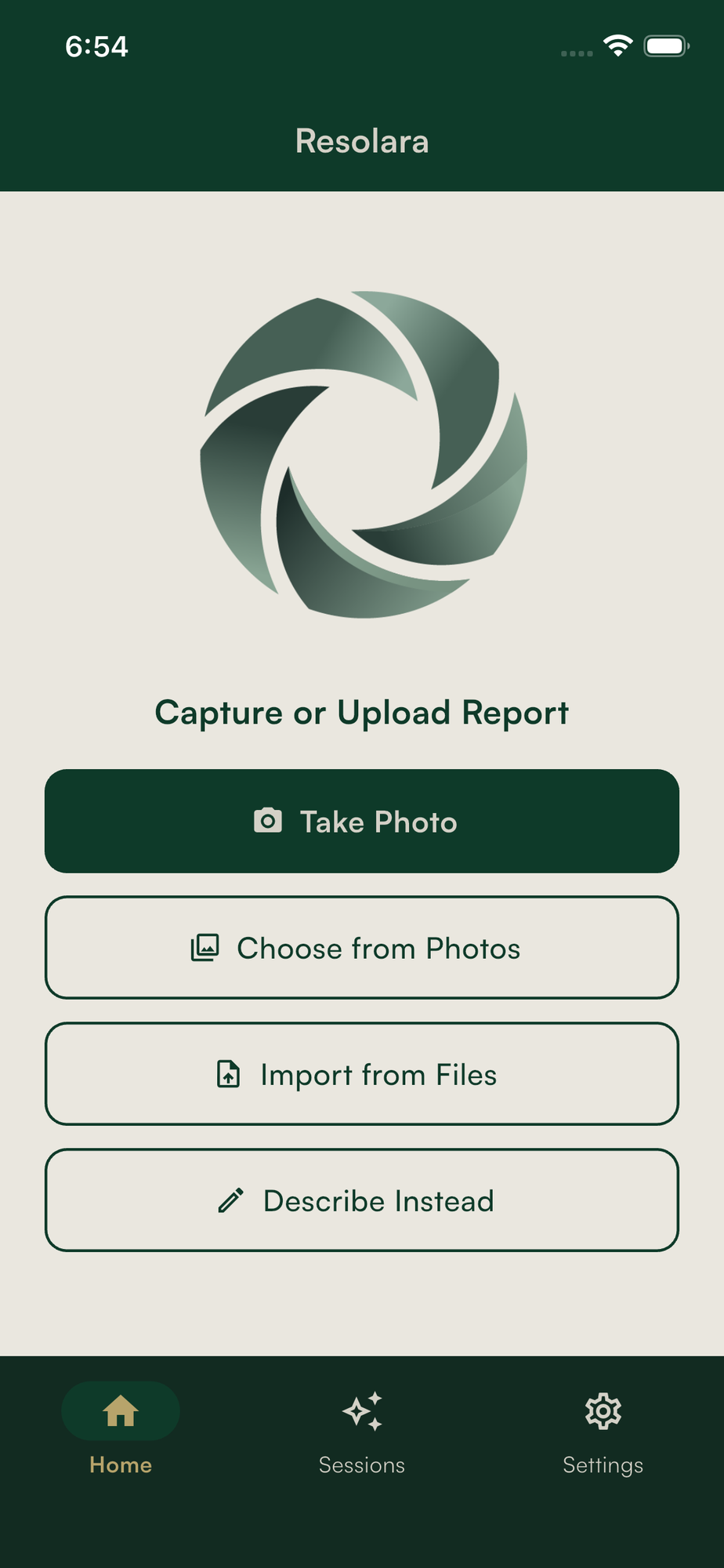
Capture or import
- —Capture using device camera, import image, or import PDF
- —PDFs rendered page-by-page on device
- —Original files remain on-device
- —Metadata stripped before processing
Step 02
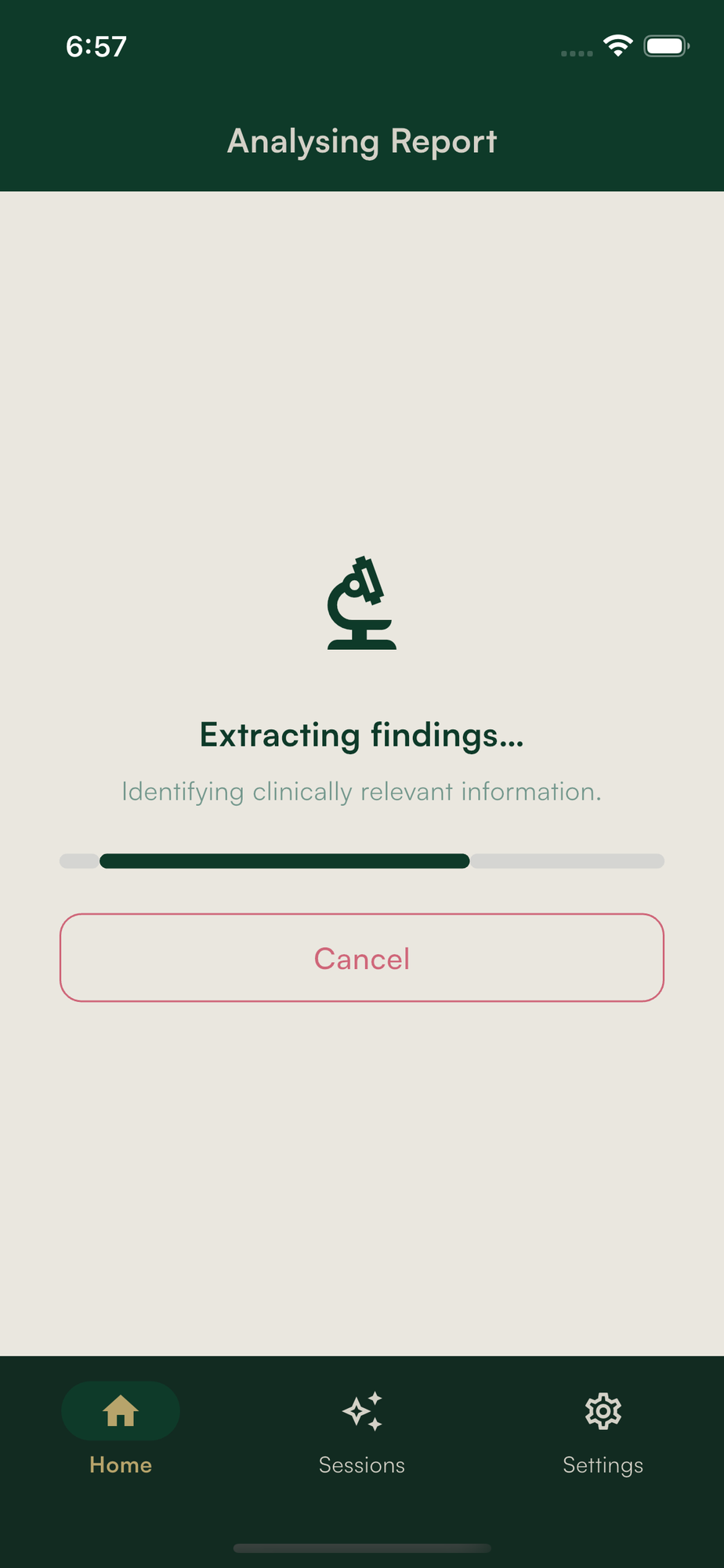
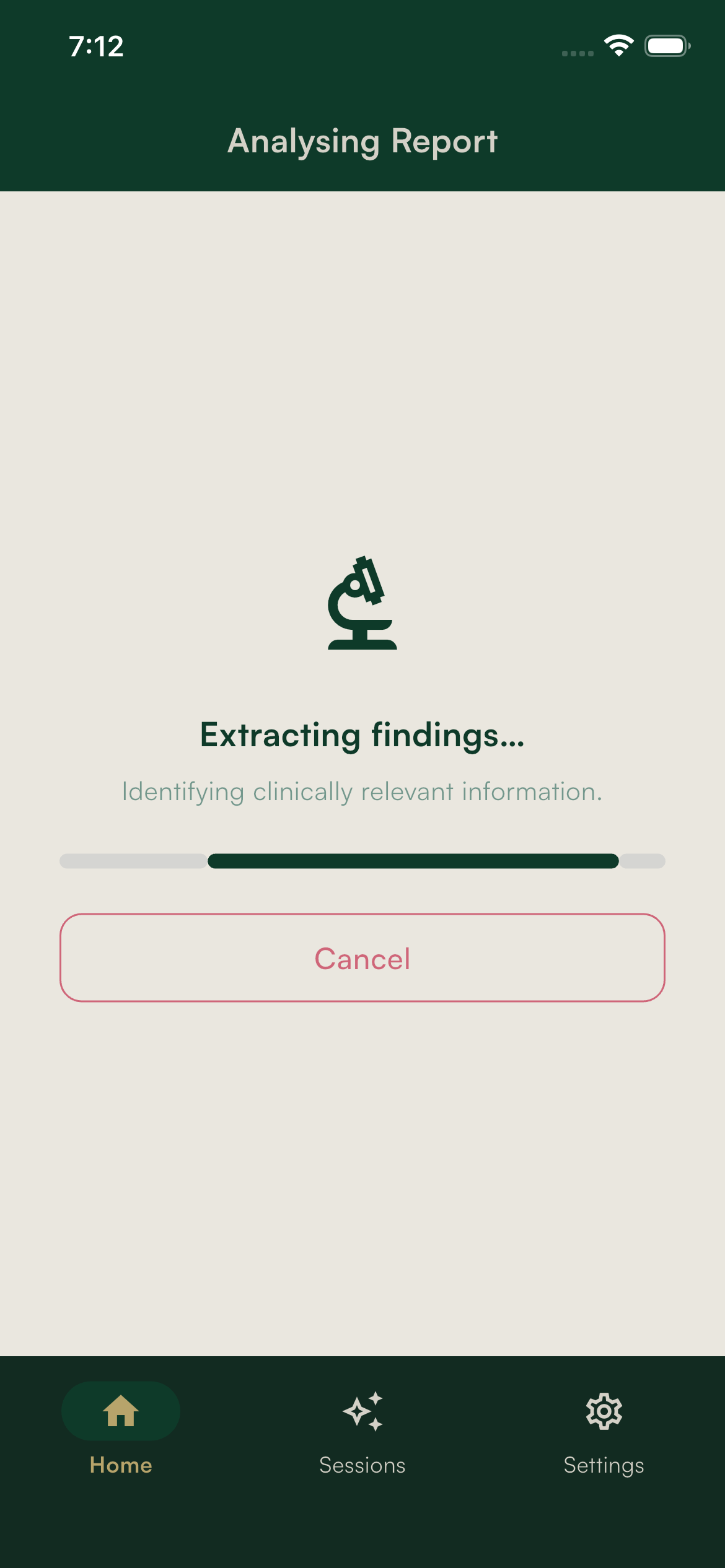
OCR and extraction
- —OCR runs on-device using ML Kit
- —Text is redacted before any network call
- —Identifiers replaced with placeholders
- —Cleaned text sent to backend
- —AI extracts findings, structures them, and assigns confidence scores

Step 03
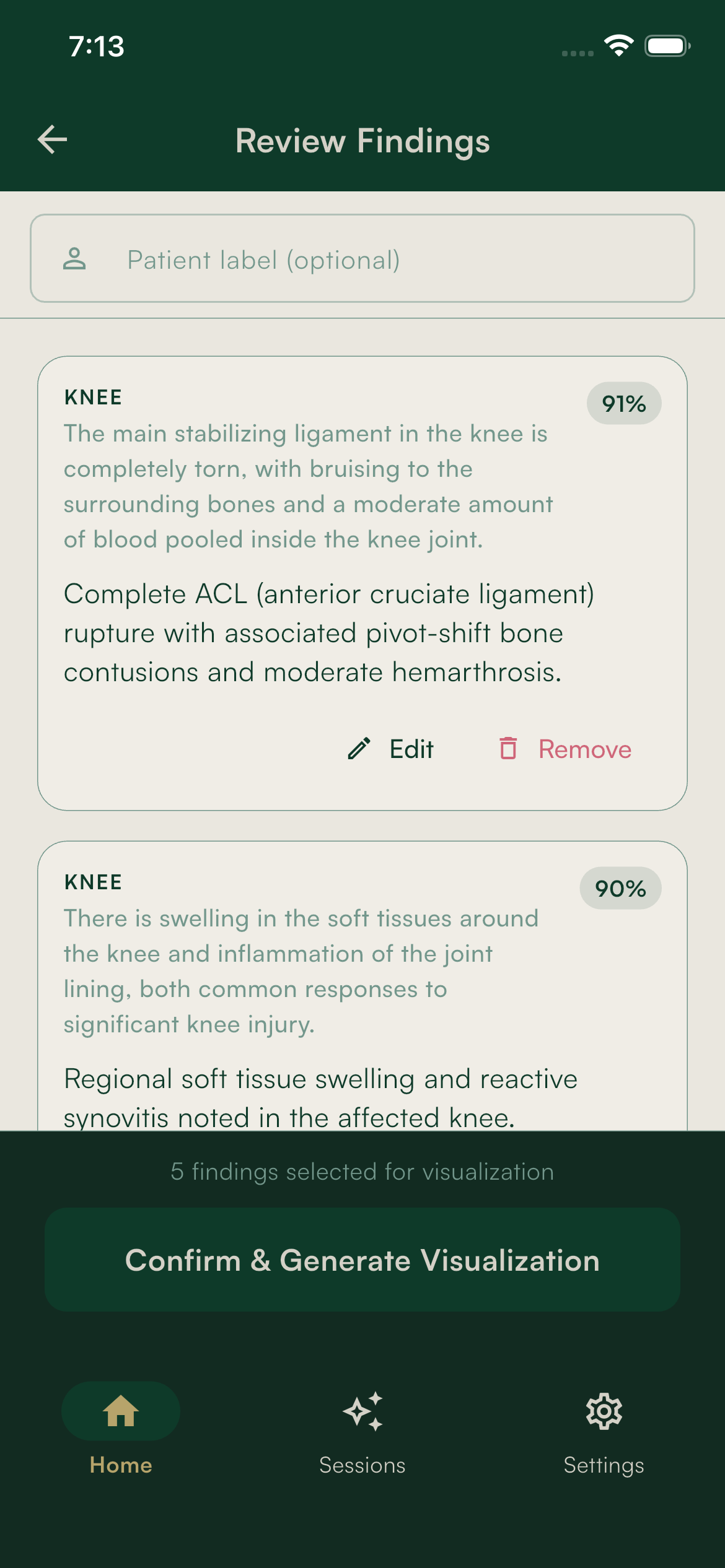
Practitioner review
- —Findings returned as a structured list
- —Each finding includes a confidence score
- —Practitioner can edit, remove, or reorder
- —Nothing proceeds without explicit confirmation
Step 04
Illustration generation
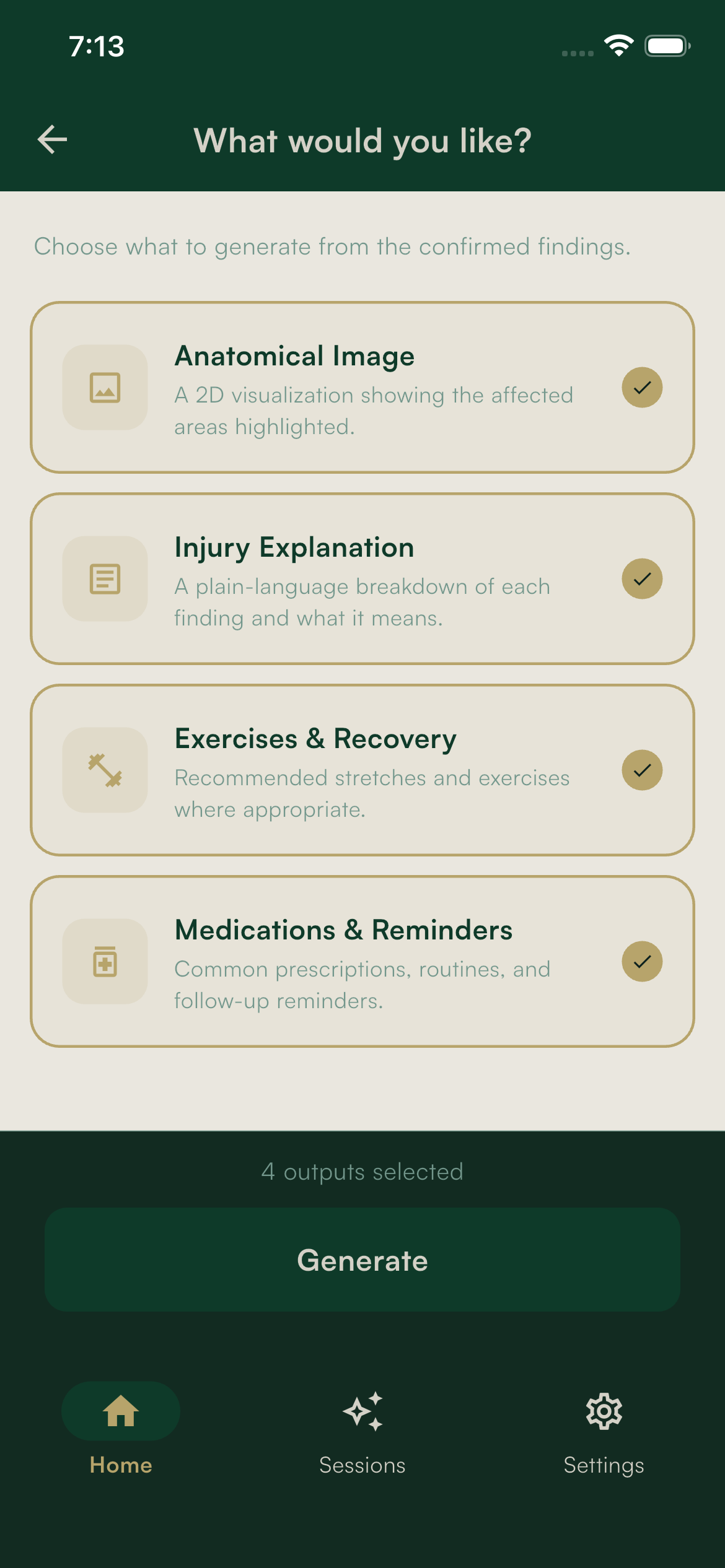
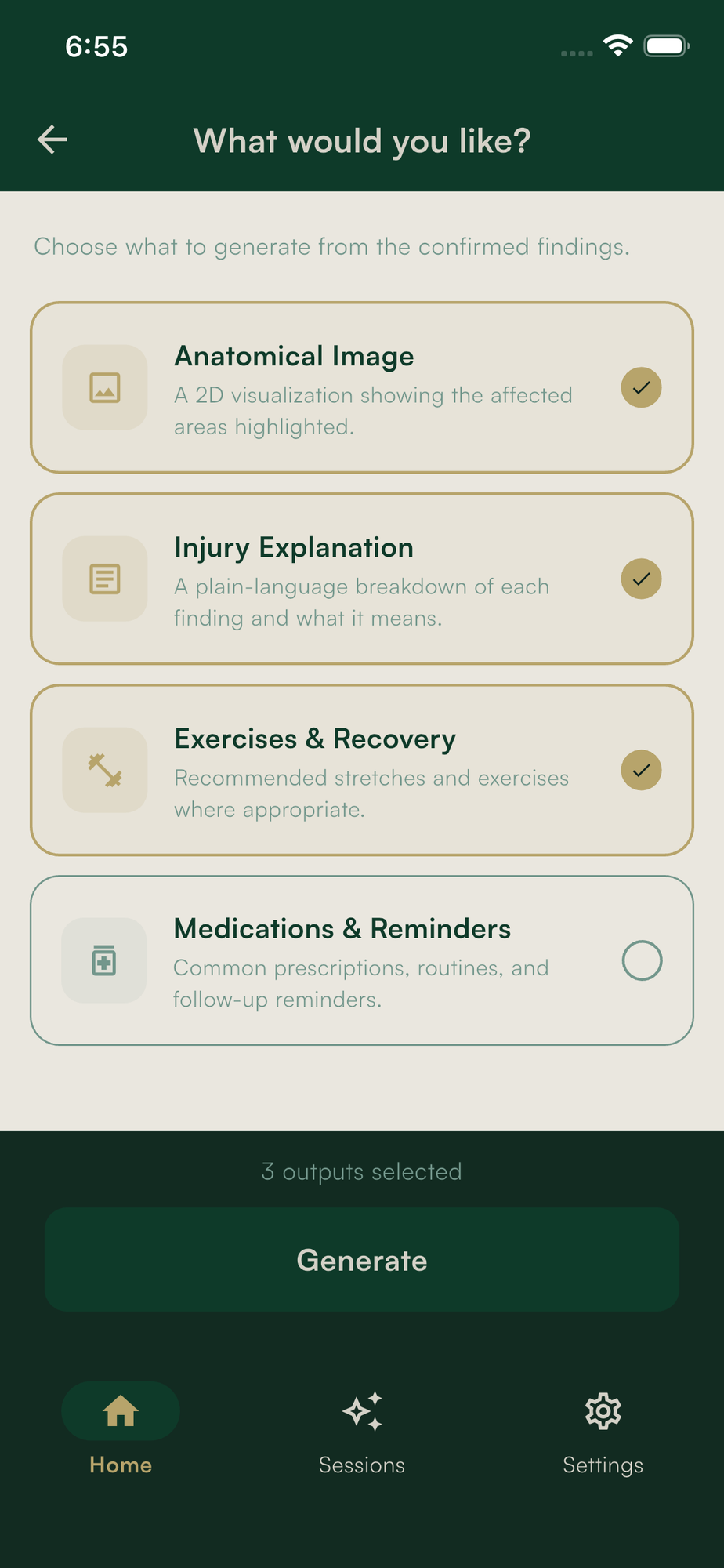
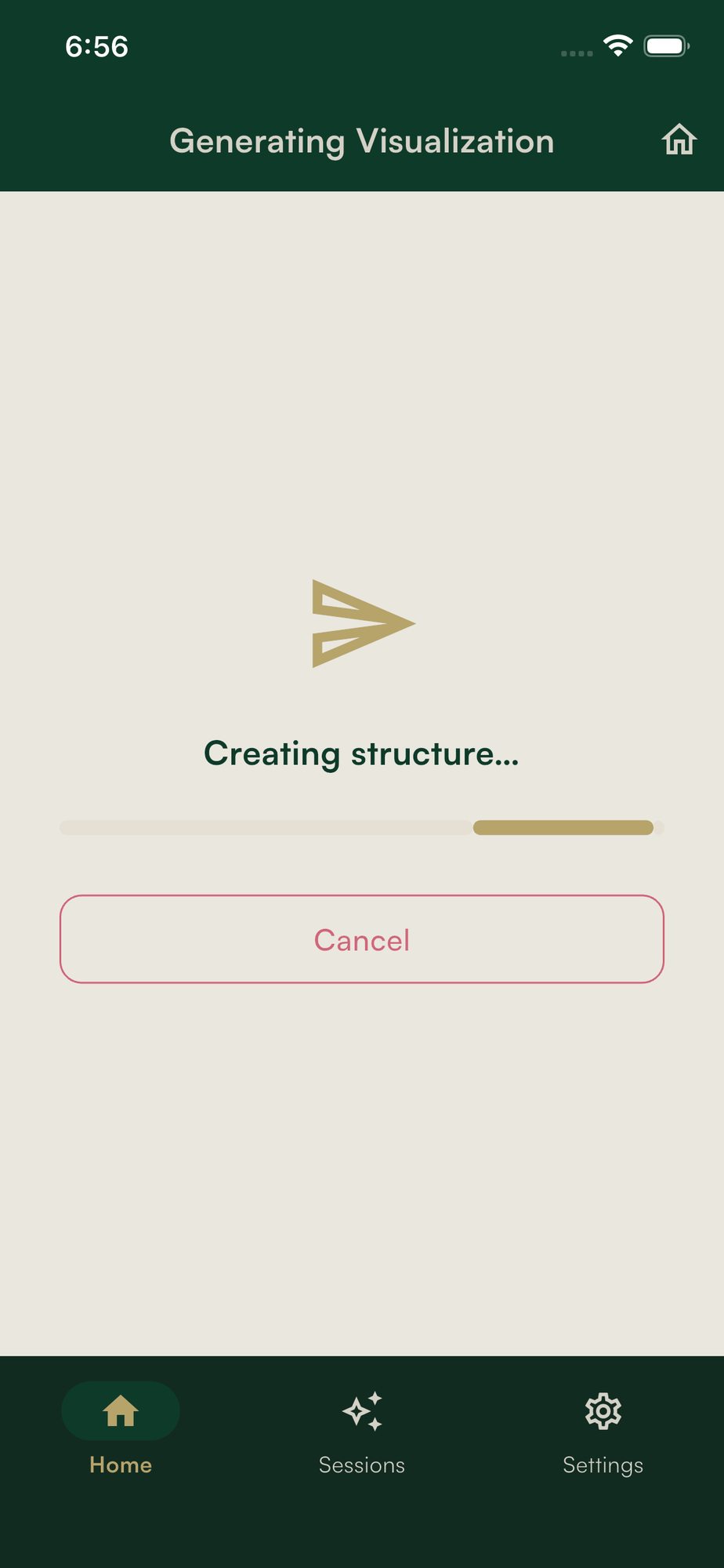
- —Backend constructs a generation prompt from confirmed findings
- —AI produces a neutral 2D anatomical illustration
- —Composition adapts to device orientation
- —No API keys exist in the app
Step 05
Approve and save
- —Practitioner reviews generated image
- —Can regenerate immediately if needed
- —Approved result saved to encrypted on-device storage
- —Raw report image and cleaned text are deleted
Additional capabilities
More ways to use Resolara
Describe instead
- —Practitioner can type or dictate findings
- —On-device speech recognition, editable before submission
- —Skips capture and OCR
Patient sharing
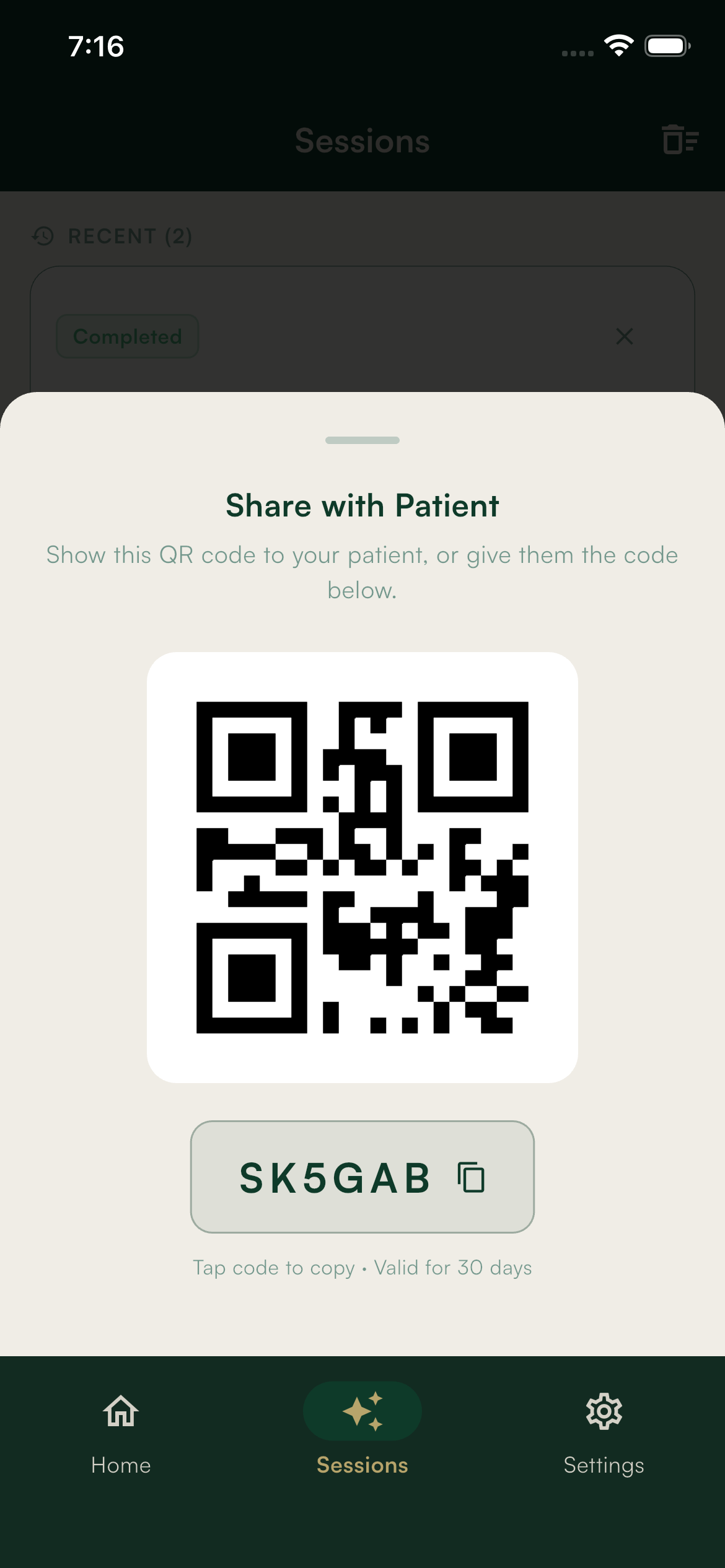
- —Generate QR code and share code
- —Patient scans or enters code to access results
Patient outputs
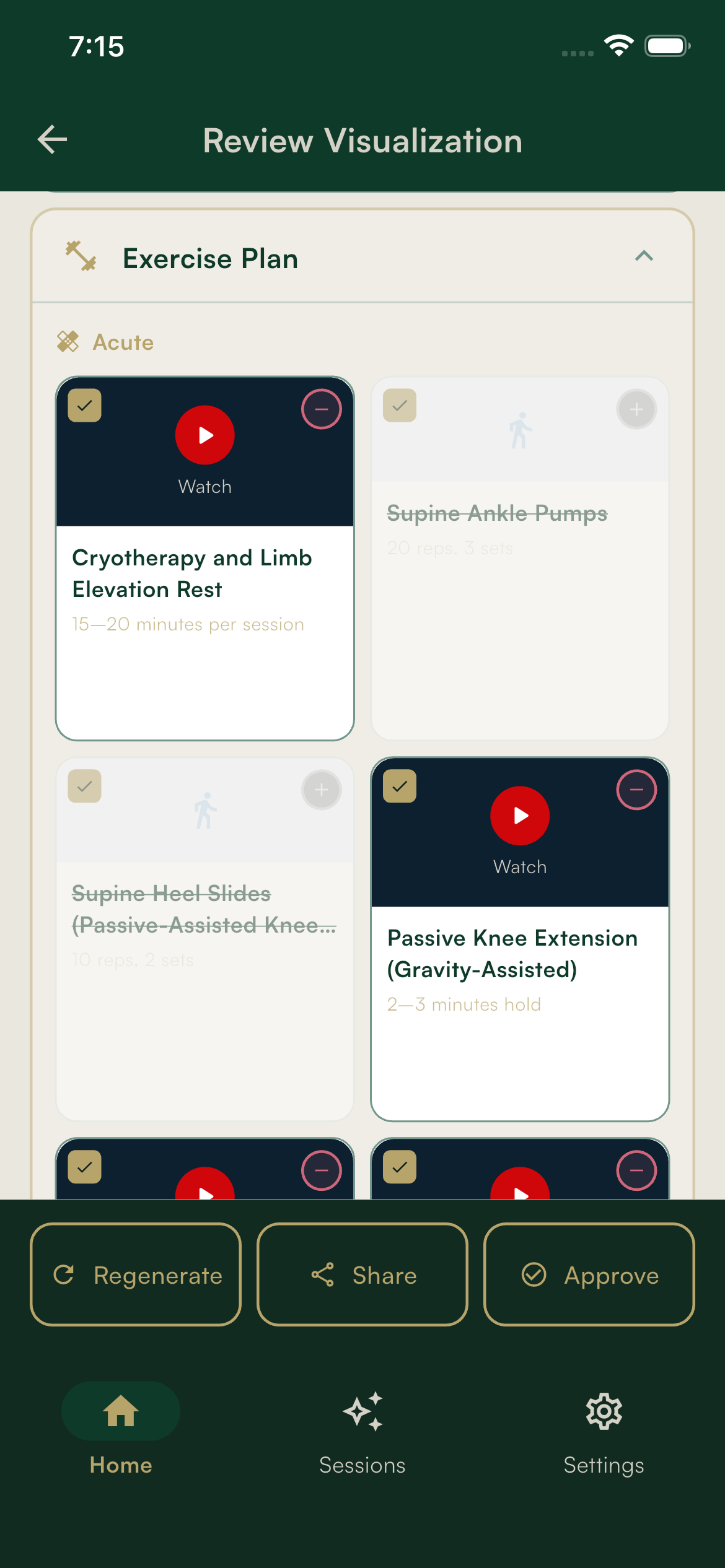
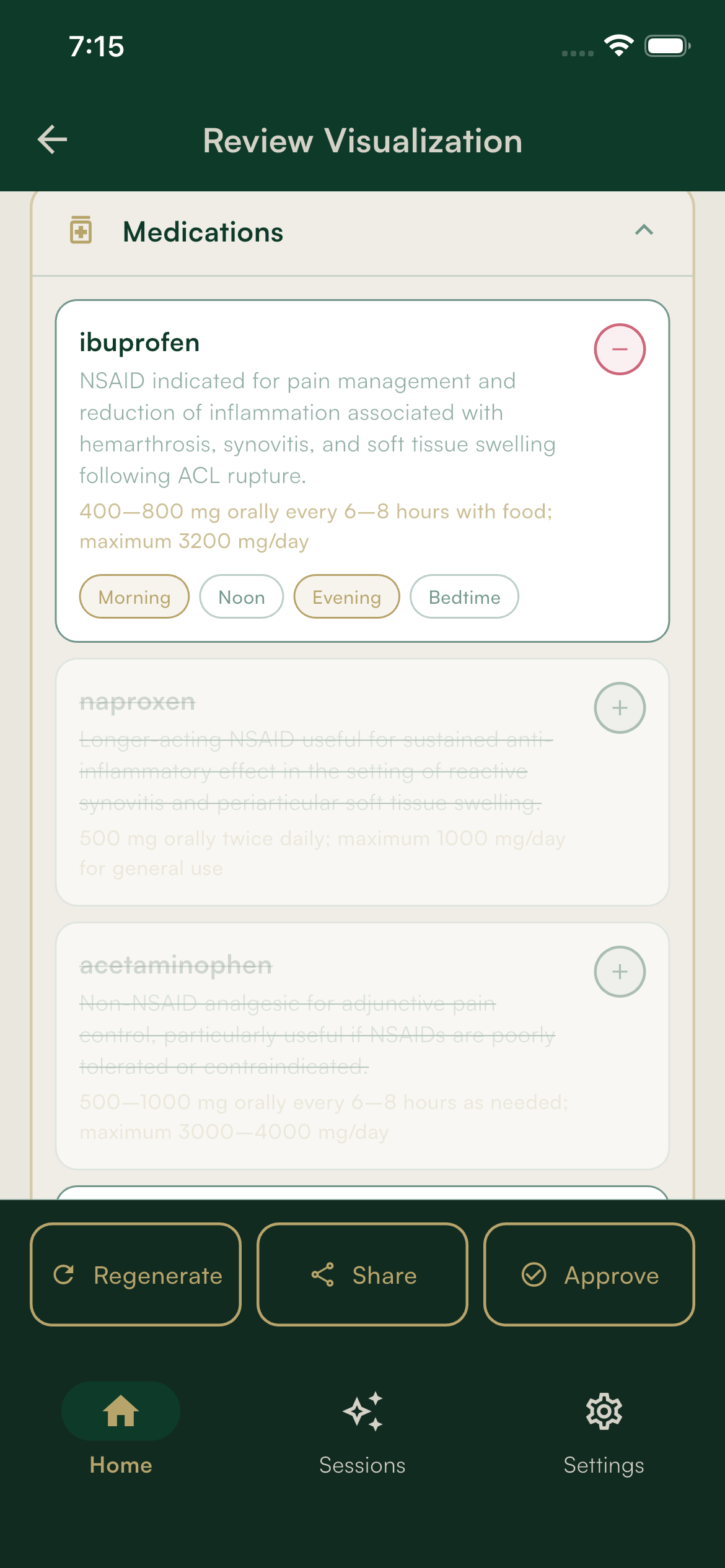
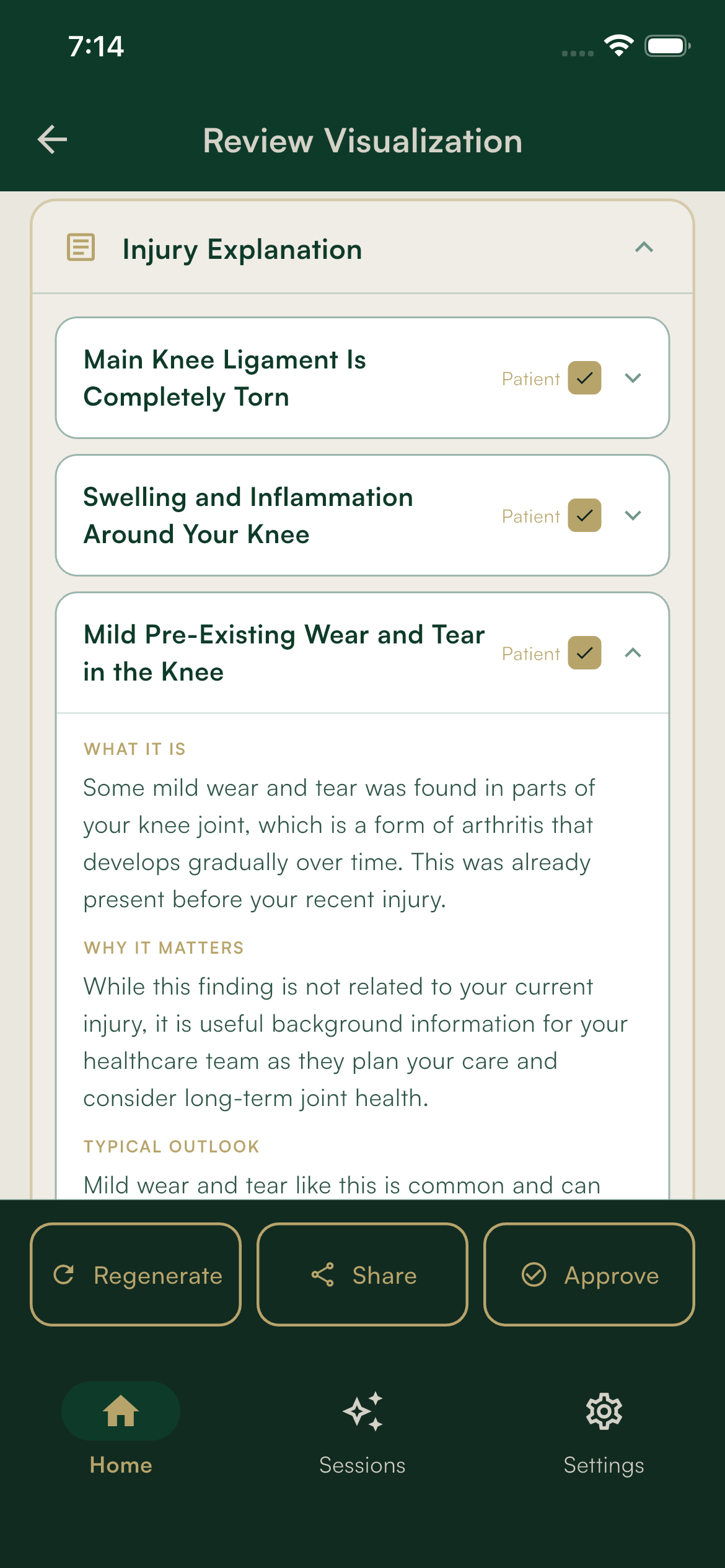
- —Plain-language explanation, exercise plan, medication context
Session history
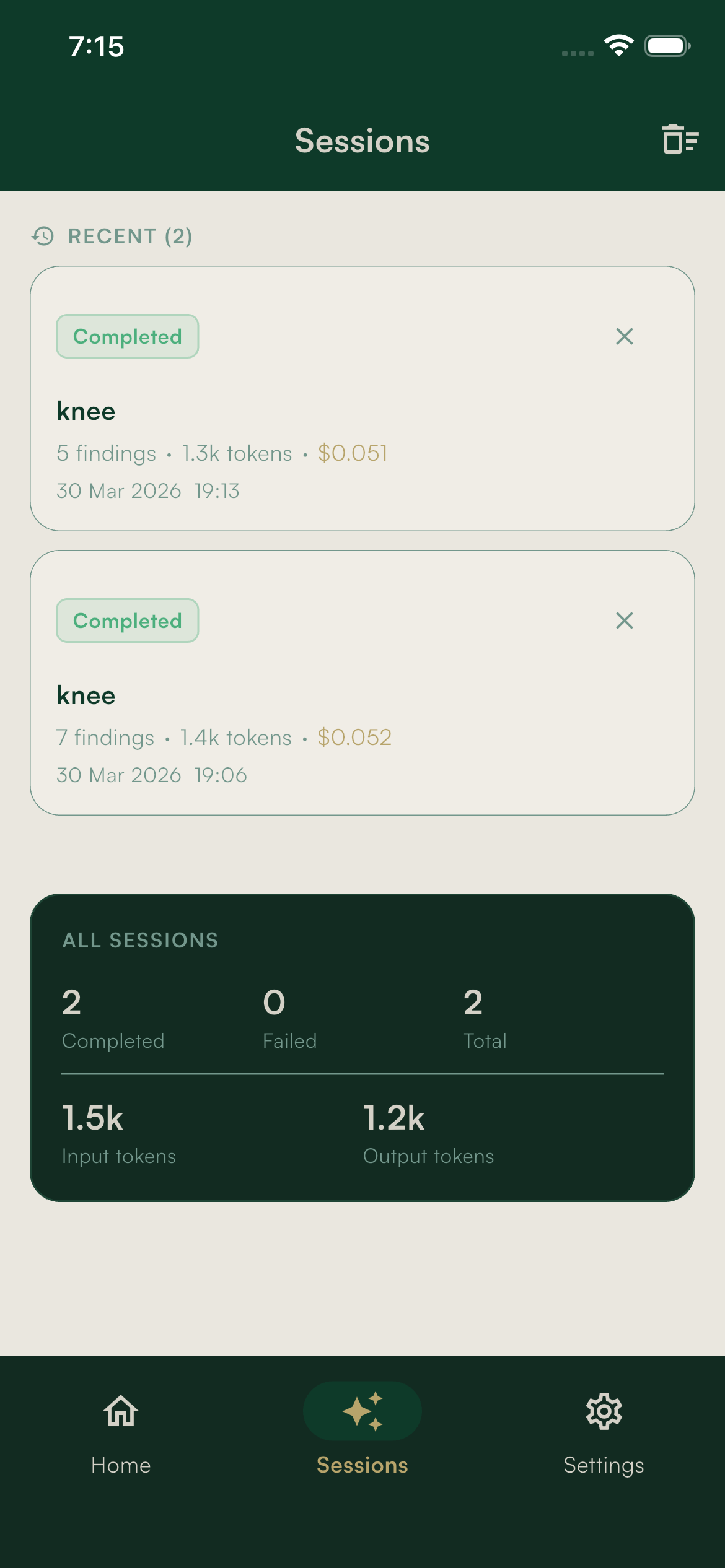
- —Encrypted local session storage
- —Sessions can be reviewed or deleted